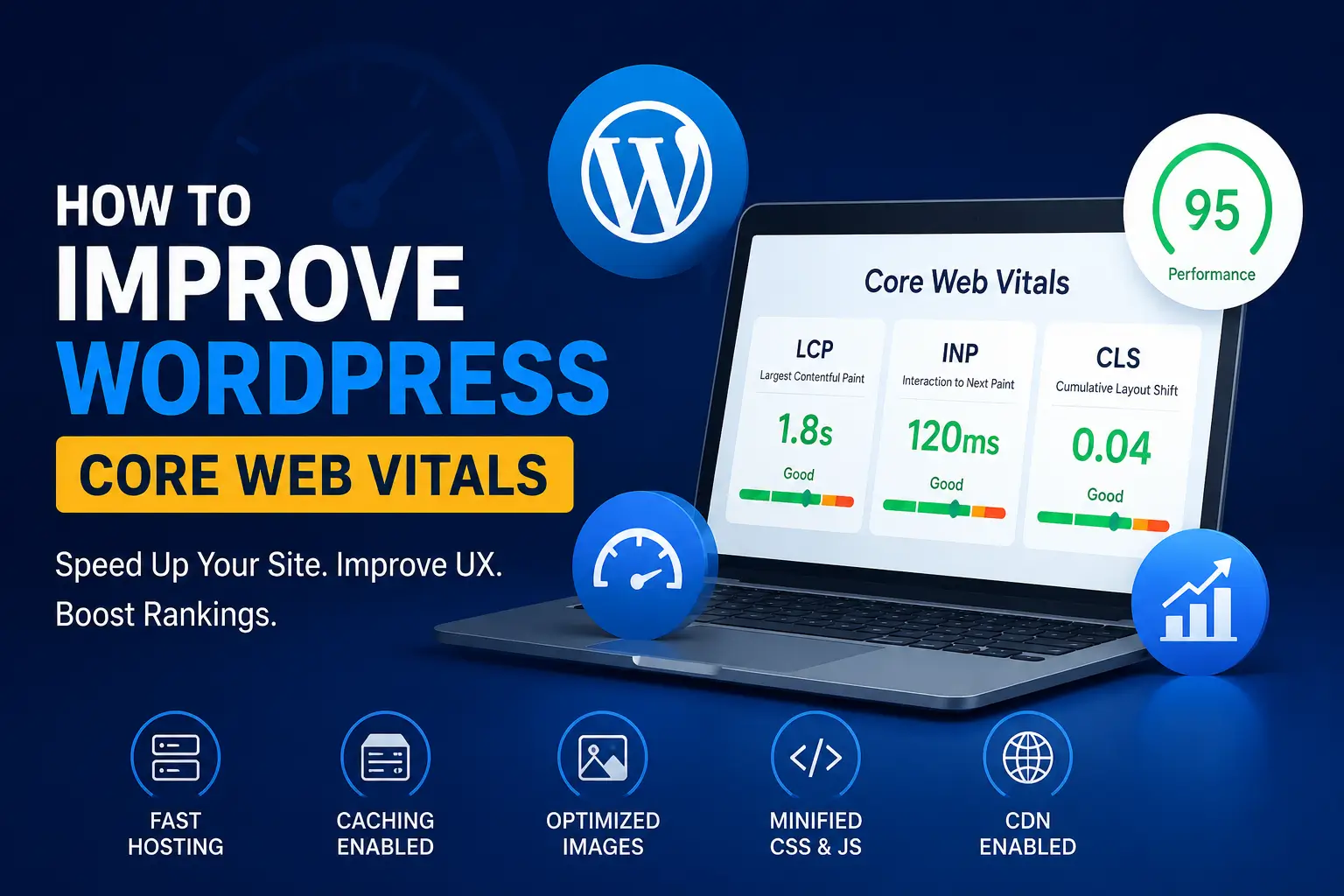
How to Improve WordPress Core Web Vitals in 2026
If your WordPress site is loading slowly, feels sluggish when visitors click around, or has content jumping unexpectedly while it loads, then Core Web Vitals are likely the reason. Since Google uses these metrics as a confirmed ranking factor, poor scores don’t just hurt user experience — they directly hurt your SEO as well.
As a WordPress developer, I’ve audited and fixed Core Web Vitals issues on dozens of sites. In almost every case, the root causes are the same: bloated themes, unoptimized images, excessive JavaScript, and slow hosting. The good news, however, is that once you understand what’s causing the problem, fixing it becomes a straightforward, repeatable process.
In this guide, I’ll break down exactly what Core Web Vitals are, why they matter in 2026, and how to improve each one on a WordPress site step by step.
What Are Core Web Vitals?
Core Web Vitals are a set of three metrics Google uses to measure real-world user experience on a webpage. Specifically, they focus on loading performance, interactivity, and visual stability. The three metrics are:
- Largest Contentful Paint (LCP) — measures how long it takes for the largest visible element (usually a hero image or heading) to load
- Interaction to Next Paint (INP) — measures how quickly your site responds to clicks, taps, and keyboard input
- Cumulative Layout Shift (CLS) — measures how much your page layout shifts unexpectedly while loading
It’s worth noting that INP officially replaced the older First Input Delay (FID) metric, meaning many sites that used to pass Core Web Vitals are now failing simply because of this metric change. As a result, sites relying on heavy JavaScript — page builders, sliders, chat widgets, and third-party scripts — are especially at risk.
Google’s Recommended Thresholds (2026)
| Metric | Good | Needs Improvement | Poor |
|---|---|---|---|
| LCP | Under 2.5s | 2.5s – 4.0s | Over 4.0s |
| INP | Under 200ms | 200ms – 500ms | Over 500ms |
| CLS | Under 0.1 | 0.1 – 0.25 | Over 0.25 |
Why Core Web Vitals Matter for WordPress SEO
Since Google confirmed Core Web Vitals as an official ranking signal, sites that consistently pass these metrics tend to get rewarded with better visibility in search results. On the other hand, sites that fail are often buried, regardless of how strong the actual content is.
Beyond rankings, better Core Web Vitals also mean:
- Lower bounce rates, since visitors don’t abandon slow-loading pages
- Higher conversion rates, because interactions feel smooth and instant
- Improved ad viewability and revenue, for sites running display ads
- A better overall user experience across mobile and desktop
Given all of this, treating Core Web Vitals as a one-time fix isn’t enough — they need to be part of your ongoing WordPress maintenance routine.
How to Improve LCP (Largest Contentful Paint) on WordPress
Since LCP fails most often on WordPress sites, it’s usually the best place to start.
What causes poor LCP:
- Large, unoptimized hero images
- Slow server response time (TTFB)
- Render-blocking CSS and JavaScript
- Lack of caching
How to fix it:
- Compress and convert images to WebP or AVIF format
- Use a lightweight, well-coded theme instead of a heavy multipurpose theme
- Enable page caching through your host or a caching plugin
- Preload your hero/LCP image using
<link rel="preload"> - Use a CDN to serve assets from servers closer to your visitors
- Choose managed WordPress hosting with fast TTFB (Kinsta, SiteGround, WP Engine, Cloudways, etc.)
How to Improve INP (Interaction to Next Paint) on WordPress
Because INP measures real interactivity, it’s often the hardest metric to fix — mainly because the culprit is usually excessive JavaScript running on the main thread.
What causes poor INP:
- Heavy page builders (Elementor, Divi, etc. with unnecessary add-ons)
- Too many third-party scripts (chat widgets, analytics, ad scripts)
- Unoptimized custom JavaScript
How to fix it:
- Defer or delay non-critical JavaScript until after page load
- Remove unused plugins that inject their own scripts
- Limit third-party embeds and load them only when needed
- Break up long JavaScript tasks instead of running them all at once
- Switch to a lightweight block theme if you’re using a bloated builder-based theme
How to Improve CLS (Cumulative Layout Shift) on WordPress
CLS problems are usually the easiest to fix, since they mostly come down to missing dimensions and dynamically injected content.
What causes poor CLS:
- Images and videos without defined width/height
- Ads or embeds that load after the surrounding content
- Web fonts that cause a visible layout shift (FOIT/FOUT)
How to fix it:
- Always set explicit width and height attributes on images and videos
- Reserve space for ads and embeds before they load
- Use
font-display: swapor preload custom fonts - Avoid inserting content above existing content after the page has loaded
Best WordPress Plugins to Help Improve Core Web Vitals
While plugins alone won’t fix everything, they can automate a large portion of the work:
- WP Rocket — all-in-one caching, lazy loading, and JavaScript delay
- Jetpack Boost — simple, beginner-friendly Core Web Vitals optimization
- W3 Total Cache — free, powerful caching options (page, browser, CDN)
- Smush or ShortPixel — image compression and format conversion
- Perfmatters — lightweight script management and performance tweaks
How to Test and Monitor Core Web Vitals
Once you’ve made changes, it’s important to measure the actual impact rather than assume it worked.
Recommended tools:
- Google PageSpeed Insights — shows both lab and field data
- Google Search Console (Page Experience report) — shows real-user CrUX data
- Chrome DevTools (Lighthouse tab) — for detailed, page-level audits
One important thing to keep in mind: real-user (CrUX) data typically takes 4–8 weeks to fully reflect your changes, even though lab tools like PageSpeed Insights show improvements immediately. So, don’t panic if Search Console doesn’t update right away — give it time.
Common Mistakes That Hurt Core Web Vitals
- Using a heavy, feature-bloated theme or page builder
- Installing too many plugins that each load their own scripts
- Uploading large, uncompressed images directly from a camera or phone
- Ignoring hosting quality in favor of the cheapest available plan
- Never testing changes after making them
Final Thoughts
Improving Core Web Vitals on WordPress isn’t about chasing a single perfect score — rather, it’s about consistently addressing the root causes: heavy themes, unoptimized images, excessive scripts, and slow hosting. Once LCP, INP, and CLS are all in the “Good” range, you’ll likely notice improvements not just in search rankings, but in overall user engagement too.
As a WordPress developer, I approach performance optimization the same way I approach security — as something built into a project from the start, not patched on afterward. If your site is struggling with Core Web Vitals and you’d like a professional audit or fix, feel free to get in touch.
Frequently Asked Questions (FAQs)
Q1. What are the three Core Web Vitals metrics?
The three metrics are Largest Contentful Paint (LCP), Interaction to Next Paint (INP), and Cumulative Layout Shift (CLS).
Q2. Which Core Web Vitals metric should I fix first?
In most cases, LCP has the biggest impact and fails most often, so it’s usually best to start there before moving on to INP and then CLS.
Q3. Do Core Web Vitals really affect SEO rankings?
Yes. Google has confirmed Core Web Vitals as an official ranking signal, meaning sites with poor scores can struggle to rank even with strong content.
Q4. How long does it take to see Core Web Vitals improvements in Search Console?
While tools like PageSpeed Insights show lab improvements instantly, real-user data in Search Console typically takes 4 to 8 weeks to fully update.
Q5. Can a caching plugin alone fix Core Web Vitals?
Caching helps significantly, especially with LCP, but it usually isn’t enough on its own — image optimization, script management, and a lightweight theme are equally important.