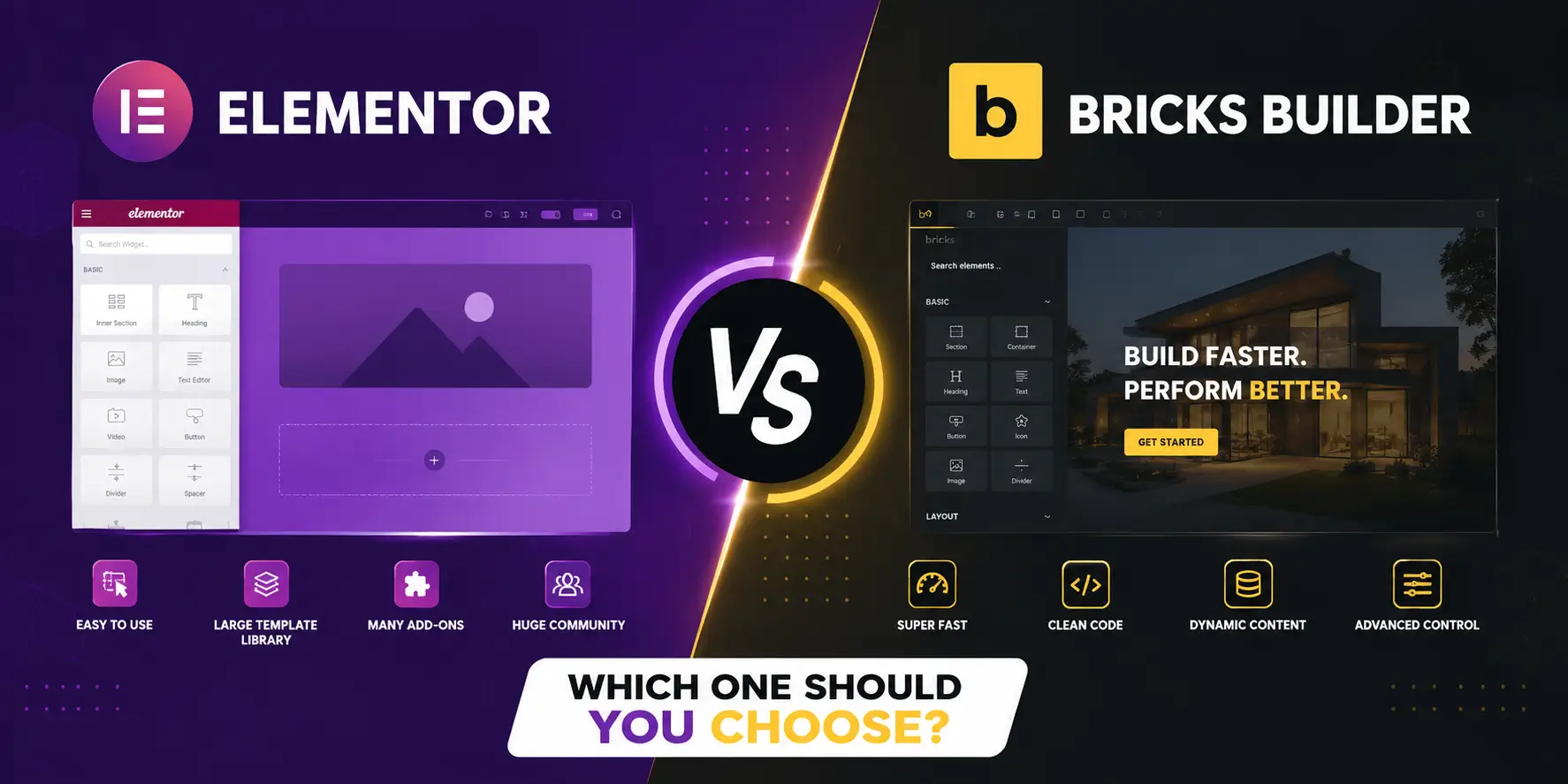
Elementor vs Bricks Builder: Which One Should You Choose?
Choosing a page builder is one of the biggest decisions you’ll make when building a WordPress website, since it affects everything from design flexibility to site speed and long-term maintenance. Two names dominate this conversation right now: Elementor, the long-standing market leader, and Bricks Builder, the developer-favorite challenger that’s been gaining serious momentum.
As a WordPress developer who has built sites on both, I get asked this question constantly. The honest answer is that there isn’t a single “better” builder — instead, it depends on your technical comfort level, your priorities, and the kind of website you’re building. In this guide, I’ll break down exactly how Elementor and Bricks Builder compare, so you can make the right call for your project.
Quick Overview: Elementor vs Bricks Builder
| Factor | Elementor | Bricks Builder |
|---|---|---|
| Ease of use | Beginner-friendly, visual widgets | Steeper learning curve, CSS-based workflow |
| Performance | Heavier, more JavaScript/jQuery | Lighter, cleaner HTML/CSS output |
| Pricing | Free version + paid plans (~$59-$399/year) | One-time lifetime license (~$99-$249) |
| Ecosystem | Massive plugin and template library | Smaller but growing ecosystem |
| Best for | Beginners, designers, agencies with non-technical clients | Developers, performance-focused agencies |
Ease of Use
Elementor is widely considered more beginner-friendly, thanks to its polished, widget-based visual editor. Since everything is controlled through drag-and-drop panels, clients who need to make regular content updates generally find it easier to learn without any coding knowledge.
Bricks Builder, on the other hand, takes a different approach. Rather than hiding the underlying code, it gives you direct visual control over it, which means a basic understanding of CSS and HTML structure genuinely helps. If you already know CSS, Bricks can feel like a superpower; however, if you’re completely new to web layout concepts, it can feel intimidating at first.
Performance and Code Output
This is where the two builders diverge the most. Elementor has historically struggled with what developers often call “div-ception” — excessive nested wrapper divs that bloat the final HTML. In side-by-side testing on identical layouts, Elementor has been shown to output roughly 2-3x more DOM elements and up to 4x more JavaScript than Bricks for the same design.
Bricks Builder, by contrast, ships output that’s much closer to hand-written HTML, using native CSS Grid, modern flexbox, and no jQuery dependency at all. As a result, Bricks sites typically load faster, respond more quickly to user interaction (better INP scores), and are generally easier to keep within Google’s Core Web Vitals thresholds.
In short: if raw speed and clean code matter most to you, Bricks currently has the clear edge.
Pricing Comparison
Elementor follows a subscription model, with a free version available and paid plans starting at roughly $59/year for a single site (higher tiers scale up from there). This makes it low-cost to try, but it becomes a recurring expense over time — and if you stop paying, you lose access to updates and pro templates.
Bricks Builder, meanwhile, uses a one-time lifetime license model, typically priced around $99 for a single site or $249 for unlimited sites. While the upfront cost is higher, it can represent significant long-term savings, especially for developers or agencies managing multiple client sites.
Ecosystem and Community Support
Elementor’s biggest advantage is its massive ecosystem. With millions of active installs, it has an enormous library of third-party addons, templates, and a huge pool of freelancers already trained on it — which matters a lot for agencies handing off client sites.
Bricks Builder’s ecosystem, while growing steadily, is still considerably smaller by comparison. There are fewer templates, fewer addons, and fewer freelancers currently familiar with it on platforms like Upwork. That said, its built-in query loop builder handles dynamic content natively, often without needing extra plugins like ACF for common use cases.
Dynamic Content and Advanced Customization
Elementor typically handles dynamic content through widget-based settings — for example, configuring a Posts widget with filters and pagination through a visual panel. This works well for standard use cases, but it can become cumbersome for more complex, custom queries.
Bricks exposes the underlying query directly, giving developers much finer control over dynamic content without extra workarounds. This makes it a strong choice for developer-led projects that need custom post types, filtered archives, or complex data-driven layouts.
WooCommerce Compatibility
Both builders support WooCommerce, but it’s worth noting that templates and layouts built in Elementor won’t automatically transfer if you switch to Bricks. Product, cart, and checkout templates typically need to be rebuilt from scratch, so this is an important factor to consider before migrating an existing WooCommerce store.
Which One Should You Choose?
Choose Elementor if:
- You’re a beginner or non-technical user
- You need the largest available template and plugin ecosystem
- You’re managing client sites where non-technical teams need to make edits
- You want the gentlest possible learning curve
Choose Bricks Builder if:
- You (or your team) are comfortable with CSS and web structure
- Site speed and Core Web Vitals performance are a top priority
- You’re building for multiple sites and want to avoid recurring subscription costs
- You want cleaner, more maintainable code long-term
Final Thoughts
Ultimately, Elementor vs Bricks Builder isn’t really about picking an objective “winner” — both are mature, actively developed tools with strong communities behind them. Instead, the right choice comes down to whether your project is design-led or developer-led, and whether performance or convenience matters more for your specific goals.
As a WordPress developer, I choose between the two based on each client’s actual needs — not just personal preference. If you’re unsure which builder is the right fit for your next project, feel free to get in touch and I’ll help you decide.
Frequently Asked Questions (FAQs)
Q1. Is Bricks Builder better than Elementor for SEO?
Bricks generally produces cleaner, lighter code, which can make it easier to achieve strong Core Web Vitals scores — an indirect but meaningful SEO advantage.
Q2. Can I use Bricks Builder without knowing CSS?
Yes, but you’ll get significantly more value from it if you understand basic CSS classes, since its workflow is less visual than Elementor’s.
Q3. Is Elementor still worth using in 2026?
Yes, especially for non-technical users and agencies serving non-technical clients, thanks to its ease of use and massive ecosystem.
Q4. Does switching from Elementor to Bricks mean losing my existing design?
Yes, in most cases. Elementor and Bricks don’t share templates, so pages — including WooCommerce templates — typically need to be rebuilt in the new builder.
Q5. Which builder is cheaper in the long run?
Bricks Builder’s one-time lifetime license is usually more cost-effective over several years compared to Elementor’s recurring annual subscription, especially for agencies managing multiple sites.